Intellij add as maven project
Add as Maven Project in IntelliJ
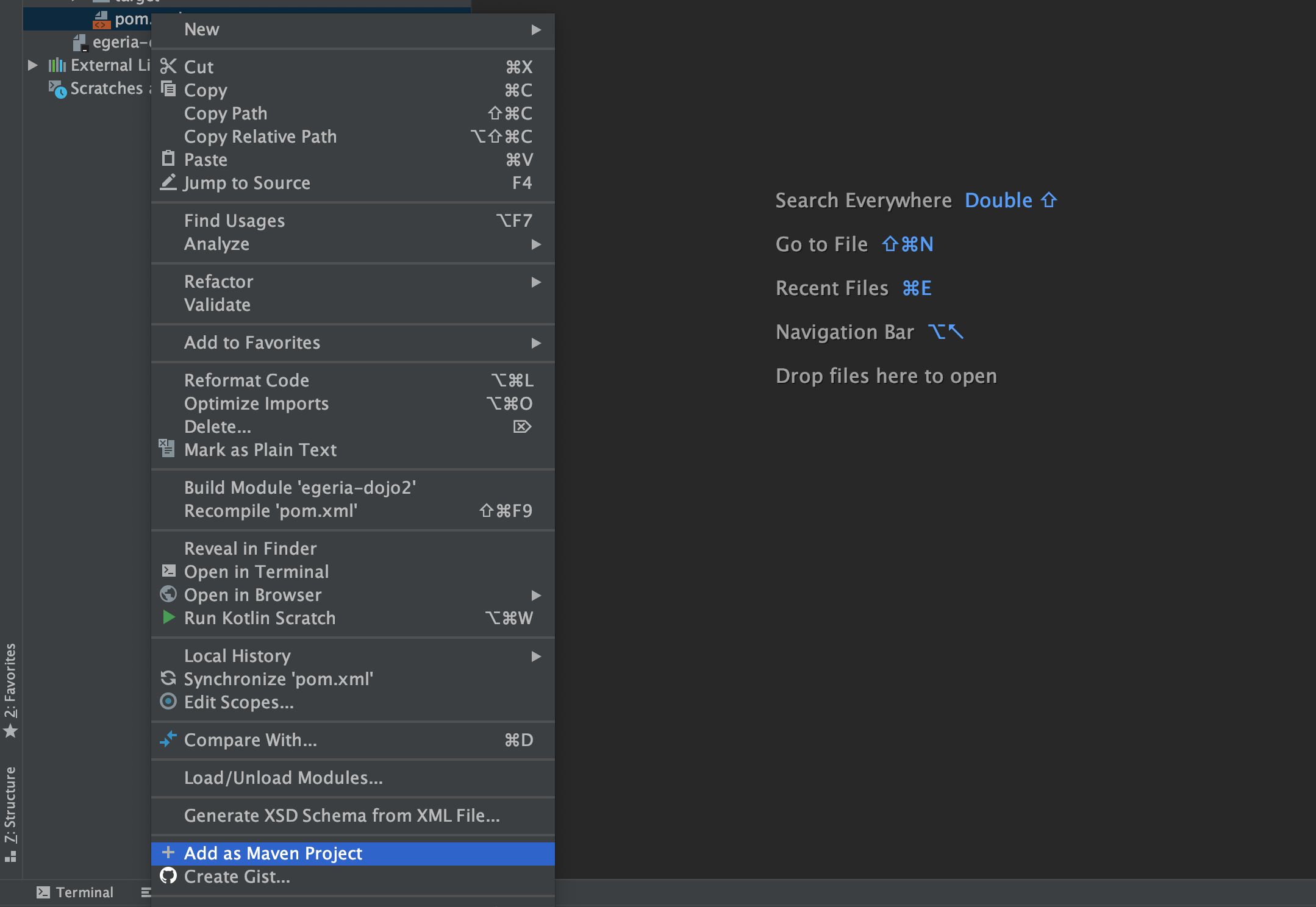
Once you have your pom.xml file completed, select it in the list of files for your project and use the right-mouse menu to select Add as Maven Project.
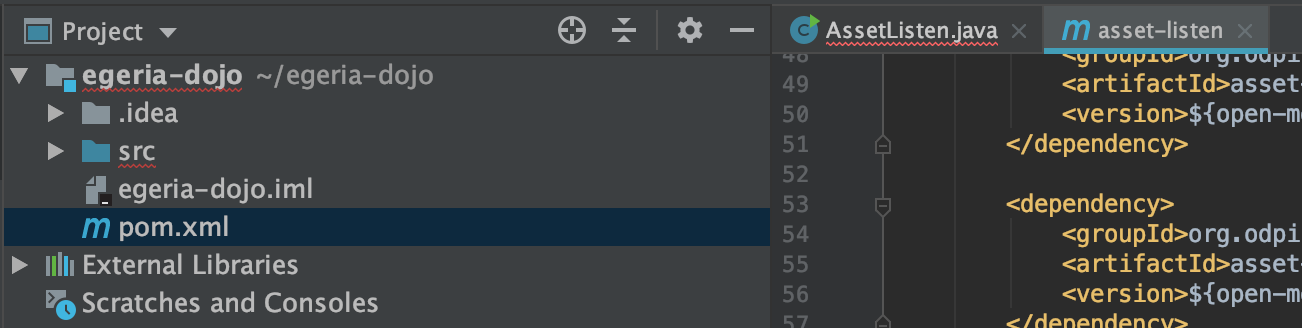
The pom.xml file will change its icon to show it is recognized as a Maven pom file.